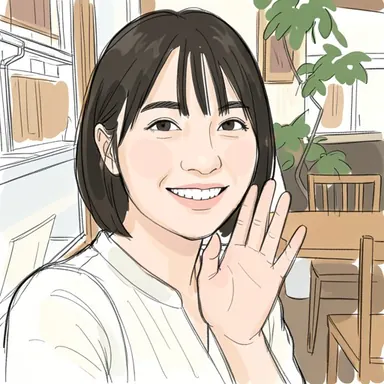
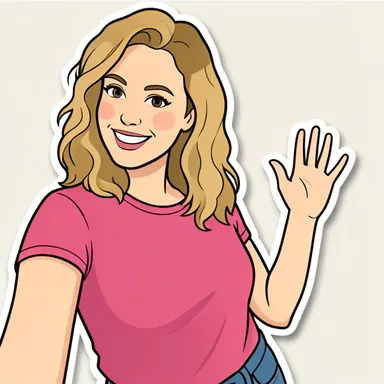
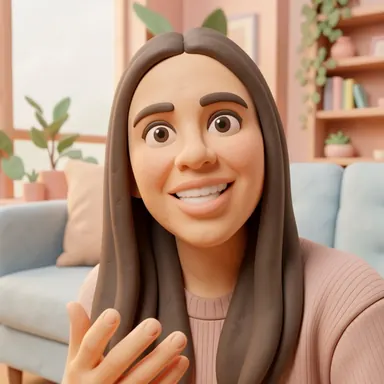
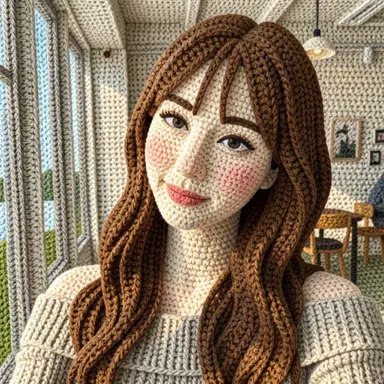
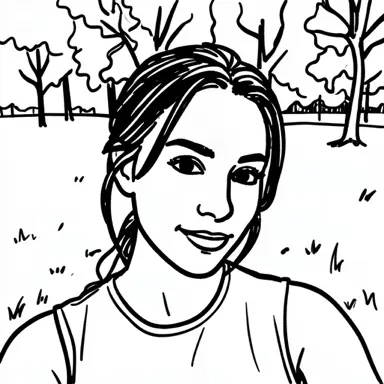
You turn a photo into a drawing and something is off: the hair is a different color, the background is new, or the logo on a shirt became squiggles. Nothing went wrong. The AI is not tracing your photo — it is drawing a new picture inspired by it.
It redraws instead of filtering
A classic photo filter changes the pixels that are already there. An image-to-image AI model works differently: it looks at a small copy of your photo plus a description of the style, then generates a brand-new image.
In Barely Drawn that copy is at most 512 pixels on its longest side, and the result is a new 512 × 512 square. The model keeps the big things — pose, layout, the general shape of a face — and reinterprets everything else in the style's own language. That is also why the same photo comes out a little different every time.
Colors are suggestions
Styles with strong opinions about color will change it.
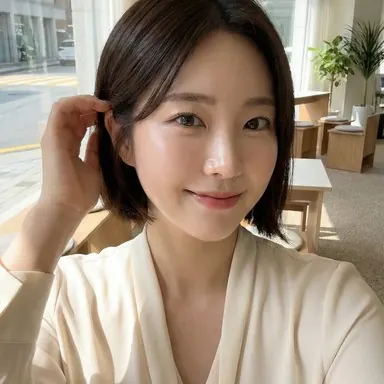
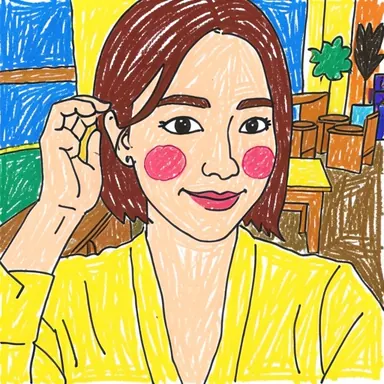
Wonderfully Wonky turned this light top yellow and painted the room in bright colors.
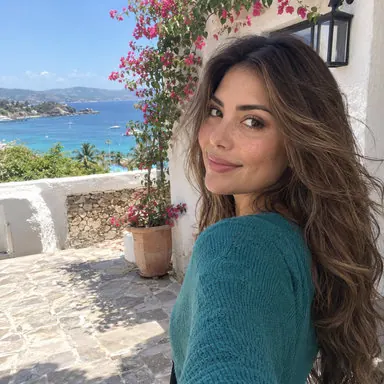
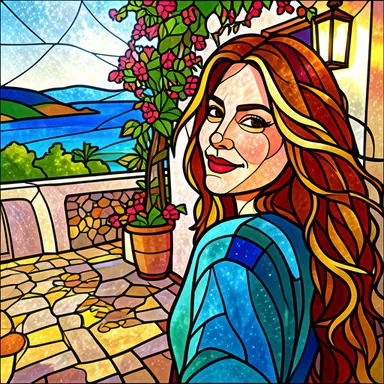
Glass & Glow recolored the hair to fit its palette of glowing glass.
If keeping the original colors matters, choose a style that mostly keeps them, like Scribble & Shade or Comic & Color. Our style comparison shows which styles keep color and which invent it.
Backgrounds get reinvented
The background usually has less detail in the small copy than the subject, so the model fills it in freely.
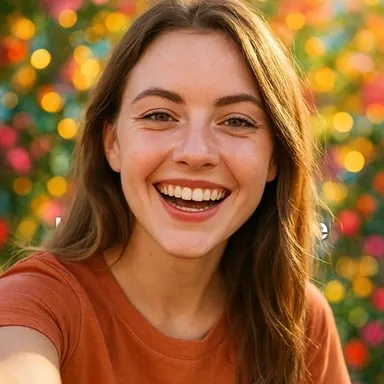
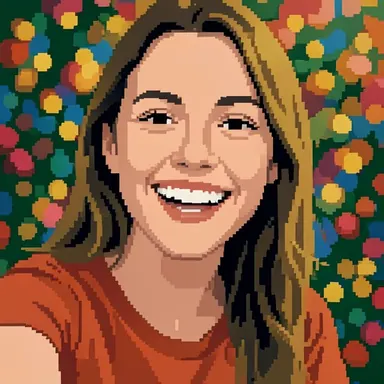
Block by Block turned soft background lights into a polka-dot pattern.
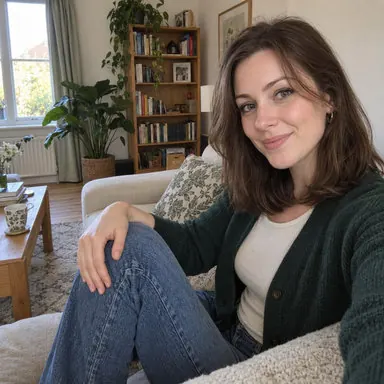
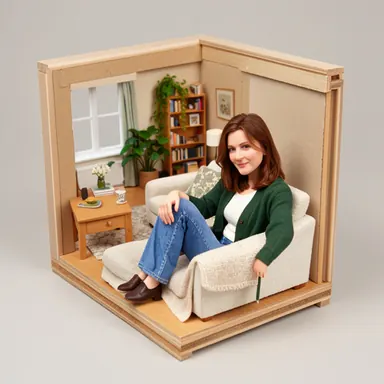
Tiny & Tidy went all the way and rebuilt the whole scene as a model room in a box.
Faces are drawn in the style's language
Every style has its own way of drawing a face. Clay smooths features into rounded shapes, marker keeps only a few bold lines, and pixel art has just a handful of squares for eyes and mouth. The result can look less like the person than the original photo does — the style decides how much detail is allowed.
Text, logos and hands
Small letters, logos, patterns and fingers take up very few pixels after the resize. The model knows "there is text here," but not exactly which letters, so it often draws convincing-looking squiggles instead. Hands and jewelry get reinterpreted for the same reason.
What helps
- Fill the frame with your subject so it keeps more pixels after the resize.
- Use soft, even light and a sharp photo.
- Pick a detail-keeping style (Scribble & Shade, Comic & Color, Bold & Neat) when likeness matters, and a reinventing style (Tiny & Tidy, Glass & Glow, Tile by Tile) when you want a surprise.
- Run it again. Every result is different, so a second try can fix what the first one missed. Each drawing in the app starts only after you finish a rewarded ad.
More practical advice is in Which photos work best for AI photo-to-drawing.
Example images come from Barely Drawn's style sample set. Your results will differ.