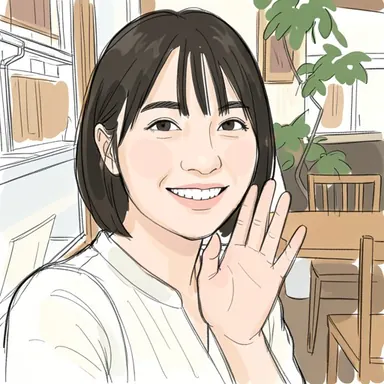
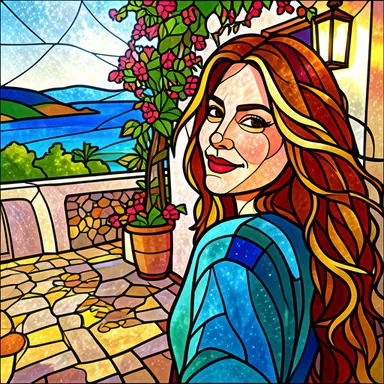
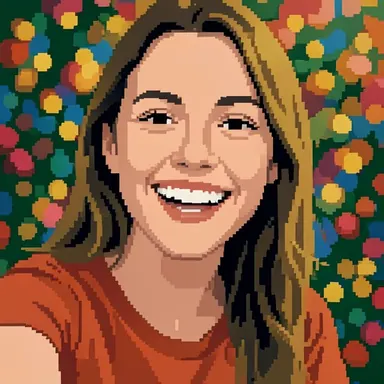
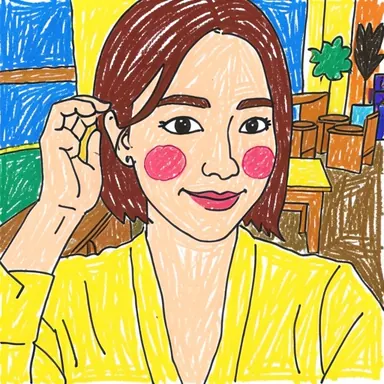
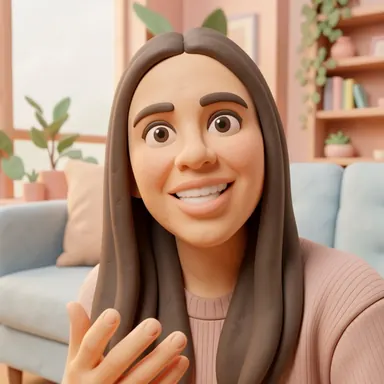
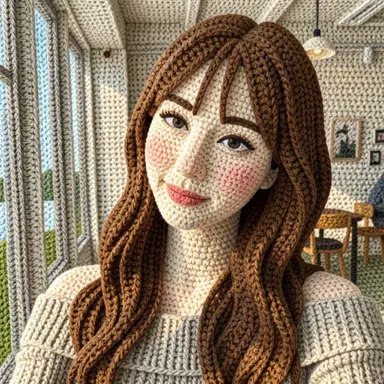
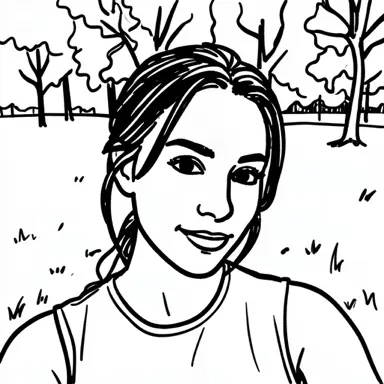
A drawn profile picture is a fun way to look like yourself without posting another photo. Barely Drawn returns every drawing as a 512 × 512 square, which is already the right shape for most avatars. Here is how to get a good one.
Step 1: Pick the right selfie
- Face near the center, with some space around your head. Many apps crop profile pictures into a circle, which cuts off the corners.
- Soft light on your face. A window in front of you works better than one behind you.
- Your face fairly large in the frame. The app sends a copy no bigger than 512 pixels on its longest side, so a small face in a wide shot loses detail. More tips in Which photos work best for AI photo-to-drawing.
Step 2: Choose a style that suits an avatar
Avatars are shown small, so styles with clear shapes and strong outlines read best.
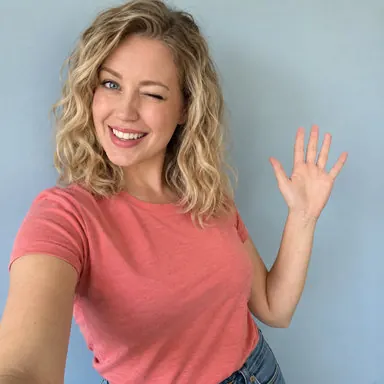
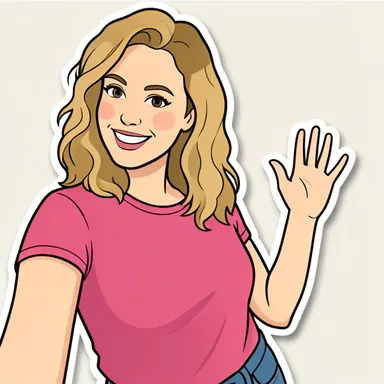
Peel & Stick draws a clean cartoon with a sticker border and a plain background — about as avatar-ready as it gets.
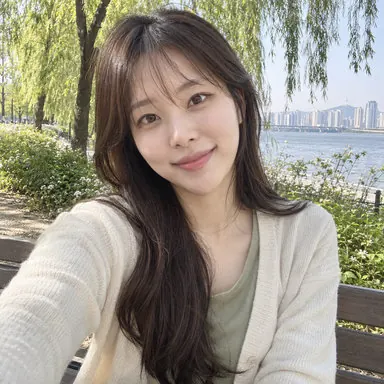
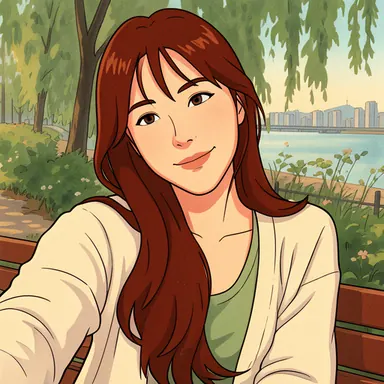
Frame by Frame gives a soft, old-school animation look. It may change your hair color, so try it twice if that matters to you.
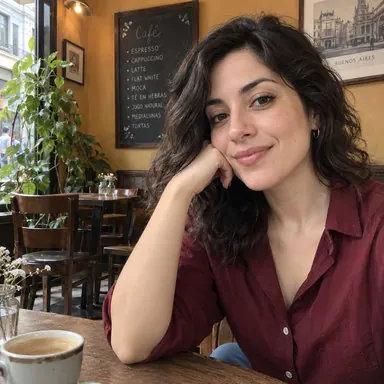
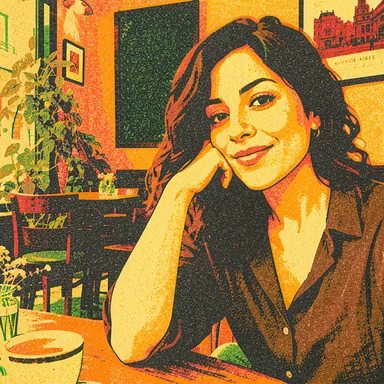
Layer by Layer makes a print-style portrait with a few overlapping inks. Good if you want something more artsy than cartoon.
Other styles that tend to work well as avatars: Comic & Color for a full-color comic, Bold & Neat for black-and-white ink, and Wonderfully Wonky if you would rather be drawn badly on purpose. See all of them side by side in our style comparison.
Step 3: Make it, save it, set it
- Open Barely Drawn and pick your selfie.
- Choose a style.
- Watch the rewarded ad to the end. Your photo is sent only after the ad ends.
- Save the drawing to your photos (or share it), then set it as your profile picture in the app you use.
At 512 × 512 the drawing looks sharp as an avatar. Stretched across a large banner or printed big, it will look soft.
Before you post it
- Check the circle crop. Most apps show a preview — make sure your face is not cut off.
- Not quite you? Each run is different. Try again, or switch to a style that keeps more detail.
- Privacy: your selfie is sent to an external AI service to make the drawing, and its EXIF metadata, including location, is removed first. The app does not separately store your photo or the result; only drawings you report are kept for review. If you are making an avatar for a friend, ask them before using their photo.
Example images come from Barely Drawn's style sample set. Your results will differ.