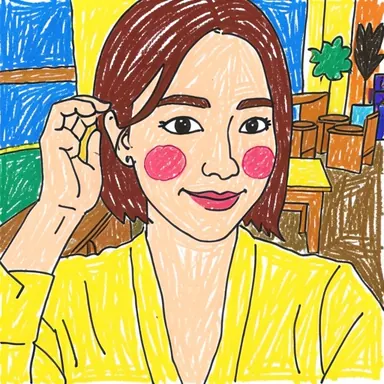
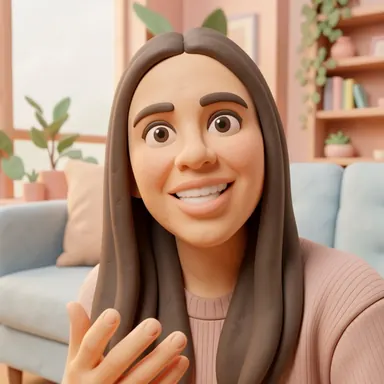
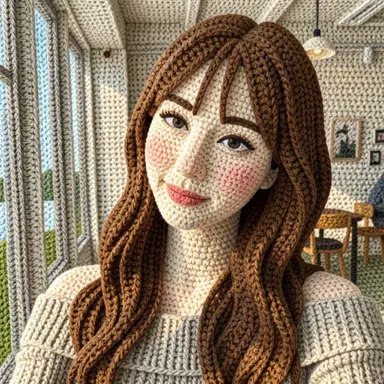
Photo to marker drawing
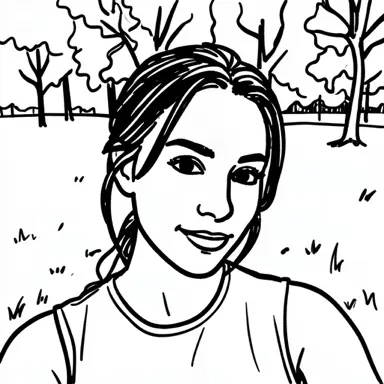
Bold dark lines and simple shapes turn your photo into a marker-style drawing. Small details may be left out.
Get the app


You'll need to finish a rewarded ad before we draw. Your photo isn't sent until the ad is over.
How it works
Pick a photo and a style, then finish the ad to get your drawing. Every result comes out a little different. If it makes you smile, pass it along.
Start with a clear, well-lit photo. Results vary and may change small details.
What happens to my photo?
Your photo is sent to an external AI service to make the drawing. The app doesn't separately store your photo or result. Only drawings you report are kept for review.
View the external AI service's privacy informationBlog
 Which Photos Work Best for AI Photo-to-Drawing? 8 Practical TipsLight, framing, background and file tips that help an AI drawing app keep your subject recognizable — plus what a 512 × 512 result means for your photo.
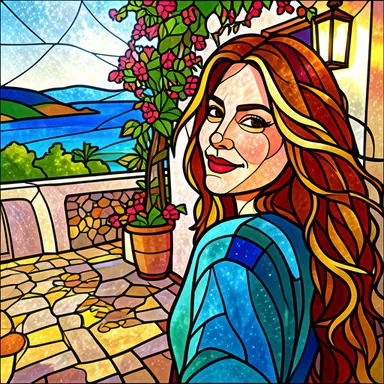 Photo to Drawing Styles Compared: 21 Before-and-After ExamplesSee how 21 AI drawing styles redraw a photo — from wonky doodles and marker sketches to clay, yarn, pixel art and stained glass — and how to pick one.
Find your drawing style
Compare real photo transformations, then try the style in the app.