Barely DrawnWe draw. ‘Well’ is extra.
Turn photos into AI drawings


You'll need to finish a rewarded ad before we draw. Your photo isn't sent until the ad is over.
Here's how we saw this photo.

How it works
How should we draw it?
Hang on, we're drawing.
Ta-da. We drew it.
Pick a photo and a style, then finish the ad to get your drawing. Every result comes out a little different. If it makes you smile, pass it along.
What kind of look?
- Wonderfully WonkyLines and colors doing their own thing
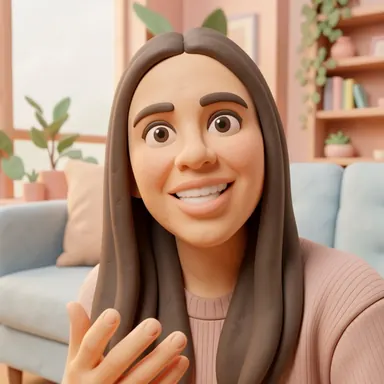 Squish & ShapeA whole world squished out of clay
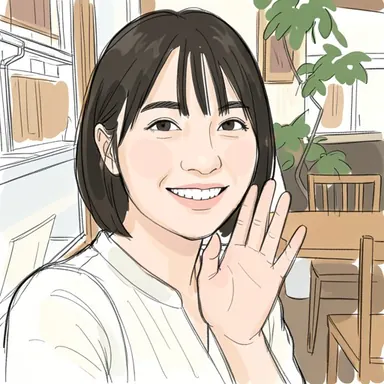 Scribble & ShadePen lines with a quick splash of color
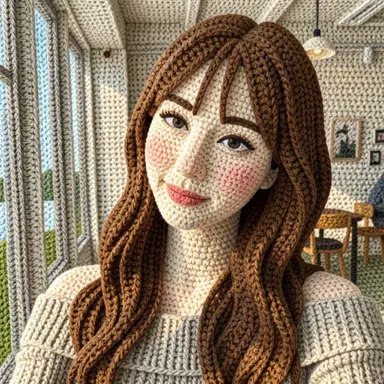 Warm & FuzzyEverything gets bundled up in cozy yarn
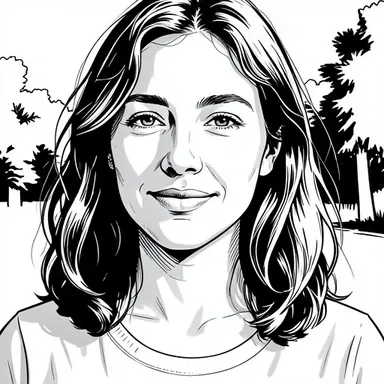 Bold & NeatCrisp lines with comic-book confidence
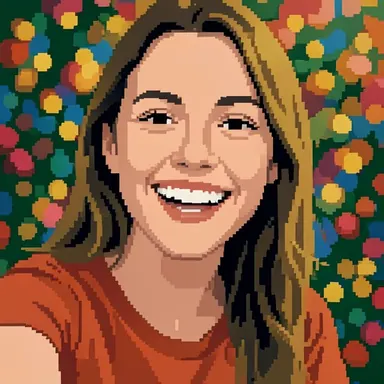 Block by BlockBuilt up one tiny square at a time
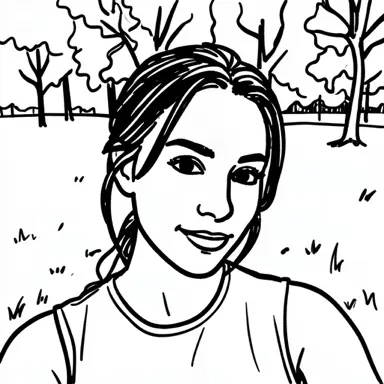 Marker MayhemQuick, bold strokes in black marker
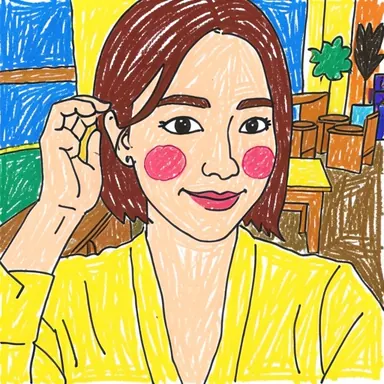
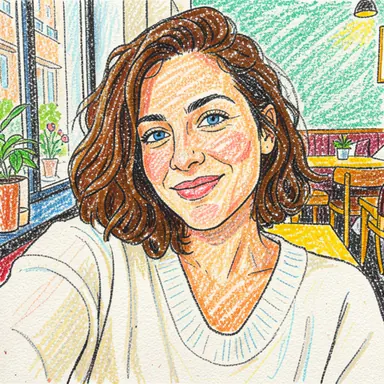 Bright & BoldBright scribbles with crayons
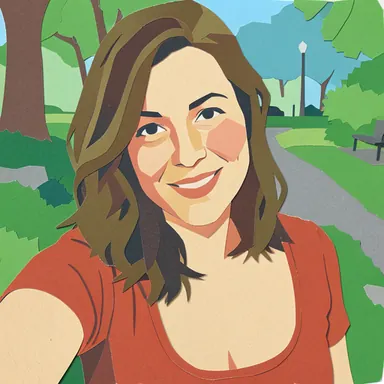 Snip & StickTorn paper, pieced together
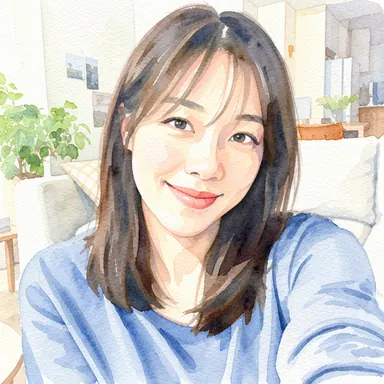 Wash & SwishSoft watercolor gently spreads
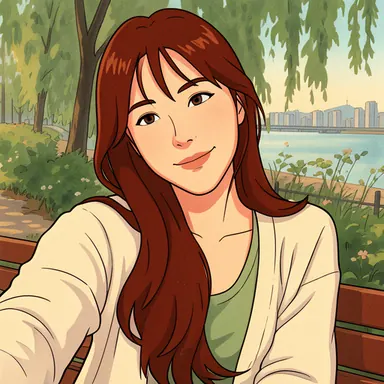 Frame by FrameCozy like old-school animation
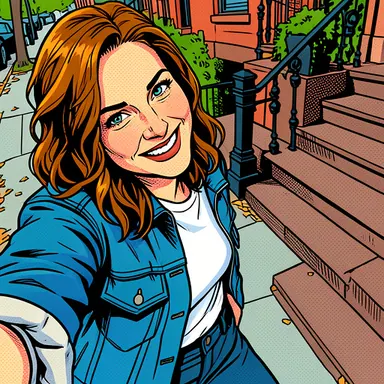 Comic & ColorCrisp comics in full color
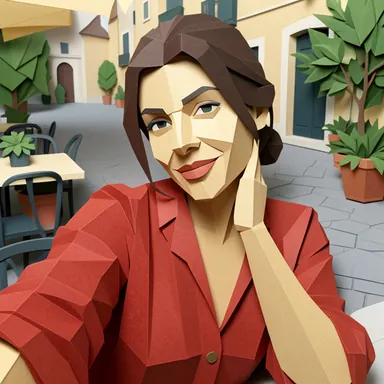 Fold & FormPaper folded into 3D shapes
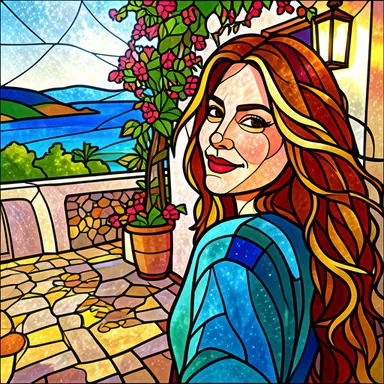 Glass & GlowColored glass pieces that glow
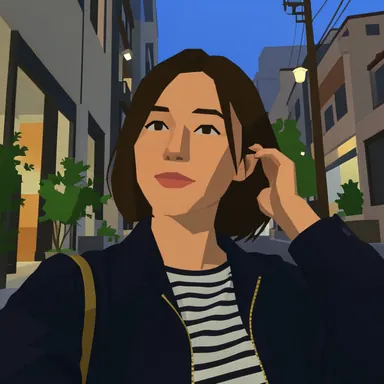 Chunky & ClunkyChunky shapes from old 3D games
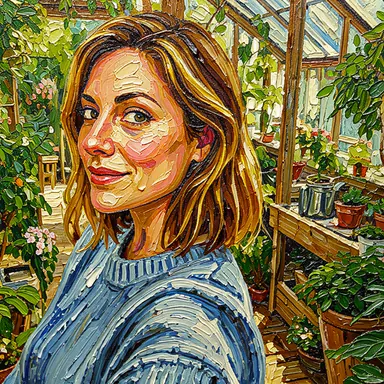 Thick & TexturedThick oil paint with raised strokes
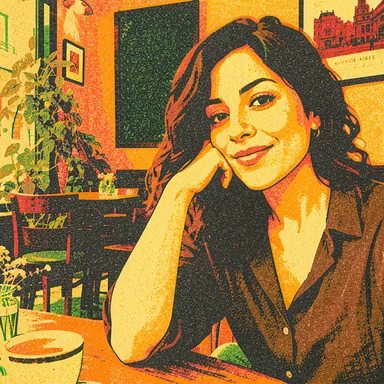 Layer by LayerOverlapping layers of colored ink
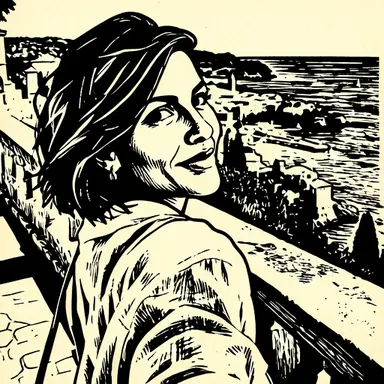 Carve & StampCarved wood printed onto paper
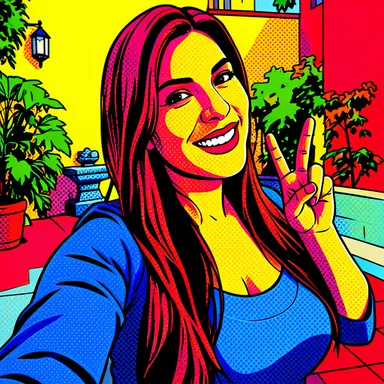 Pop & PunchBold colors with a pop-art punch
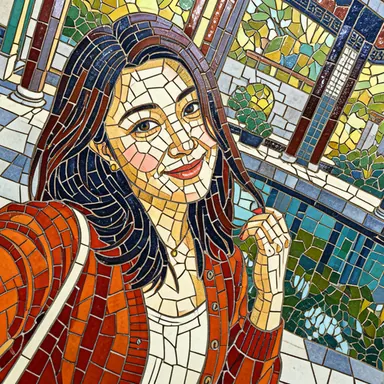 Tile by TileLittle tiles pieced together
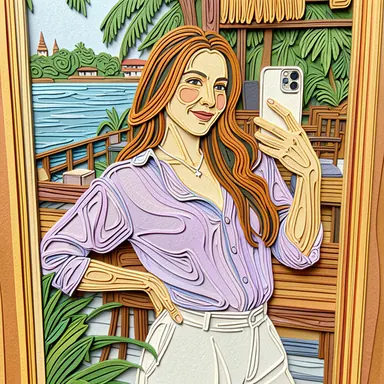 Curl & CoilPaper strips curled into coils
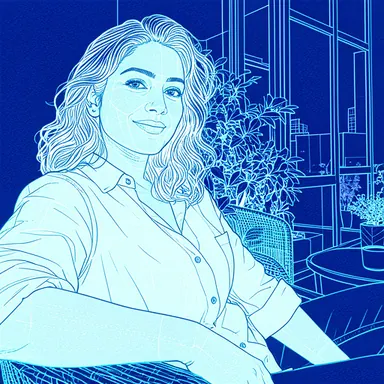 Lines & LogicWhite lines on blueprint blue
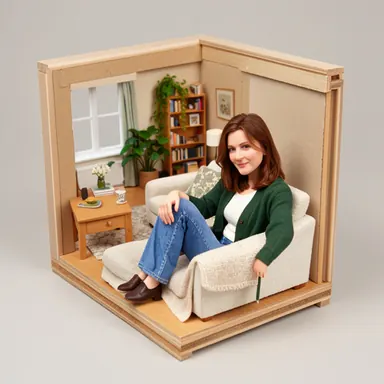 Tiny & TidyA tiny world made of models
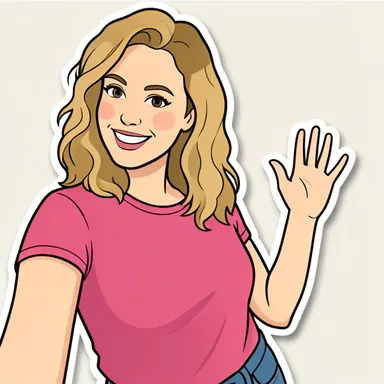 Peel & StickAn outlined sticker cut to shape
Find your drawing style
Compare real photo transformations, then try the style in the app.
Blog
- Which Photos Work Best for AI Photo-to-Drawing? 8 Practical TipsLight, framing, background and file tips that help an AI drawing app keep your subject recognizable — plus what a 512 × 512 result means for your photo.
- Photo to Drawing Styles Compared: 21 Before-and-After ExamplesSee how 21 AI drawing styles redraw a photo — from wonky doodles and marker sketches to clay, yarn, pixel art and stained glass — and how to pick one.
- How to Turn a Selfie into a Drawn Profile PictureMake a cartoon or hand-drawn profile picture from a selfie in three steps — framing tips for round avatars, styles that suit them, and privacy notes.
What's Barely Drawn?
Pick a photo and a drawing style, and we'll give it our very best-ish shot.
About the ad
You'll need to finish a rewarded ad before we draw. Your photo isn't sent until the ad is over.
What happens to my photo?
Your photo is sent to an external AI service to make the drawing. The app doesn't separately store your photo or result. Only drawings you report are kept for review.
Notifications
We'll only send a notification when we add a new drawing style or release an important app update. You can turn this off anytime in device settings.

Watch an ad, get a wonky drawing
We remember the original. Mostly.