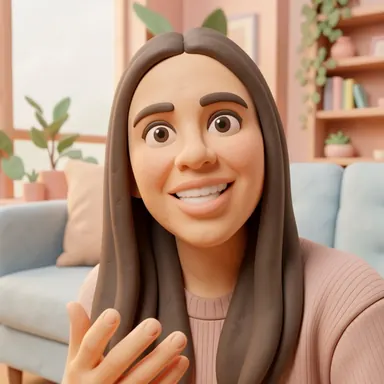
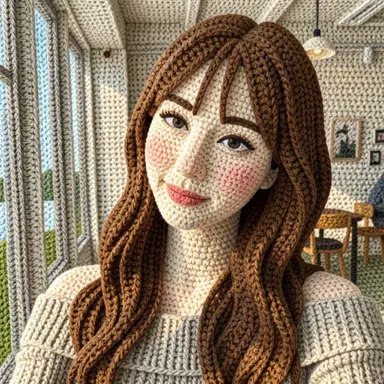
Short answer: one clear subject, soft even light, the subject large in the frame and a simple background. The rest of this post explains why, based on how Barely Drawn actually handles your photo.
What happens to your photo first
Before anything is drawn, the app prepares a small copy of the photo you pick:
- It applies the photo's rotation and removes EXIF and location (GPS) metadata.
- It shrinks the copy so the longest side is at most 512 pixels.
- The drawing comes back as a 512 × 512 square.
So the AI never sees your full-resolution photo. It sees a small copy, and whatever is tiny in that copy has very few pixels to work with. Most of the tips below follow from that.
1. Make the subject big in the frame
A face that fills a third of the picture survives the resize far better than a face in a wide group shot. Crop in before you start if you can. One person or one pet per photo usually works best.
2. Use soft, even light
Window light or open shade is ideal. Strong backlight turns faces into dark shapes, and harsh midday sun leaves deep shadows that some styles read as part of the drawing.
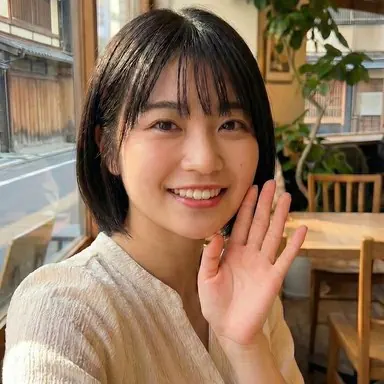
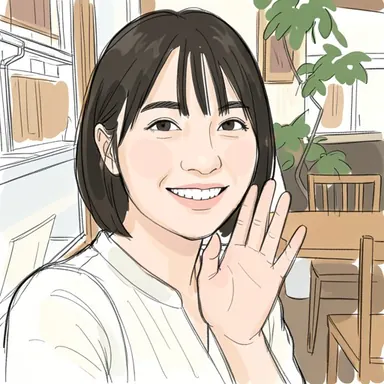
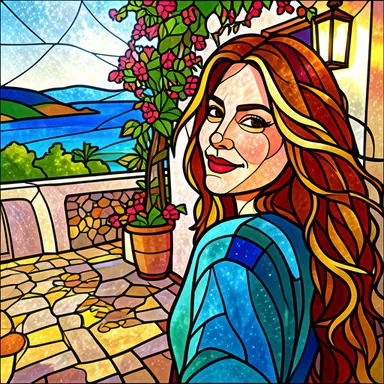
A well-lit, close-up selfie like this one keeps its pose, outfit and setting even after being redrawn in Scribble & Shade.
3. Keep the subject near the middle
The result is square. If your photo is tall or wide, keep what matters near the center so it is not squeezed toward an edge.
4. Simpler backgrounds give cleaner drawings
Busy backgrounds are not a problem, but they get redrawn too — sometimes simplified, sometimes reinvented. If you want the drawing to be about the subject, a plain wall or open sky helps.
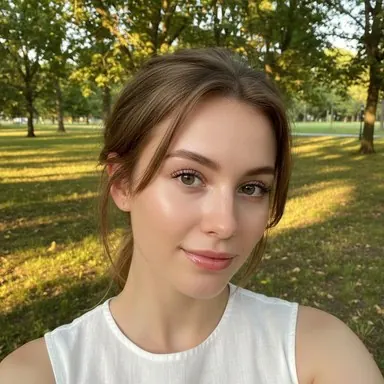
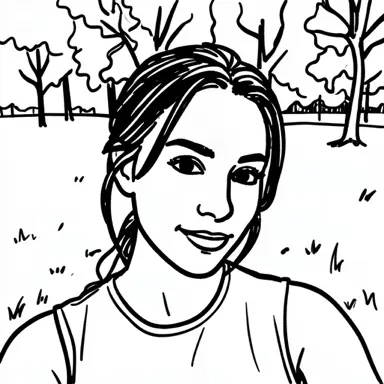
Here Marker Mayhem reduced a whole park to a few tree outlines. Nice, but very different from the original background.
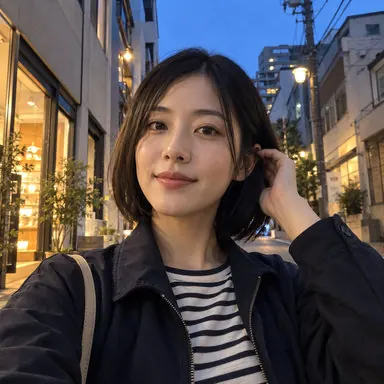
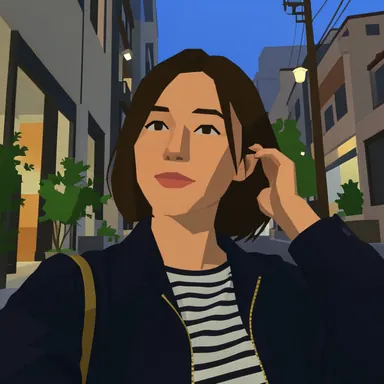
A busy evening street can work too. Chunky & Clunky turned this one into blocky shop fronts while keeping the person in front.
5. Sharp beats filtered
Use a sharp, unfiltered photo. Heavy beauty filters, motion blur and strong compression artifacts give the AI less to work with, and the style may exaggerate them.
6. Expect small details to change
Text on clothes, logos, jewelry and hands are the first things to change. That is how this kind of AI works, not a broken result. Here is why AI drawings change details.
7. Use a supported file
In Barely Drawn you pick one photo at a time from your phone's photo library. The app accepts JPEG, PNG or WebP images up to 10 MB, so if a photo is rejected, check its format and size.
8. Try again, or try another style
The same photo and style come out a little different every time. If the first result misses, run it again or switch styles — some styles keep details, others reinvent the scene. Our style comparison shows which is which. Each drawing in the app starts only after you finish a rewarded ad.
A note on other people's photos
Your photo is sent to an external AI service to make the drawing. If the picture shows someone else, ask them first.
Example images come from Barely Drawn's style sample set. Your results will differ.